Crypto Trading in Zambia: A 2026 Guide Using ChatGPT
Start trading crypto in Zambia with just $10. This step-by-step 2026 guide shows how to use ChatGPT as your AI trading assistant for smarter, safer moves.
By Obed Avorlenu · · Updated July 17, 2026 · 14 min read
Introduction
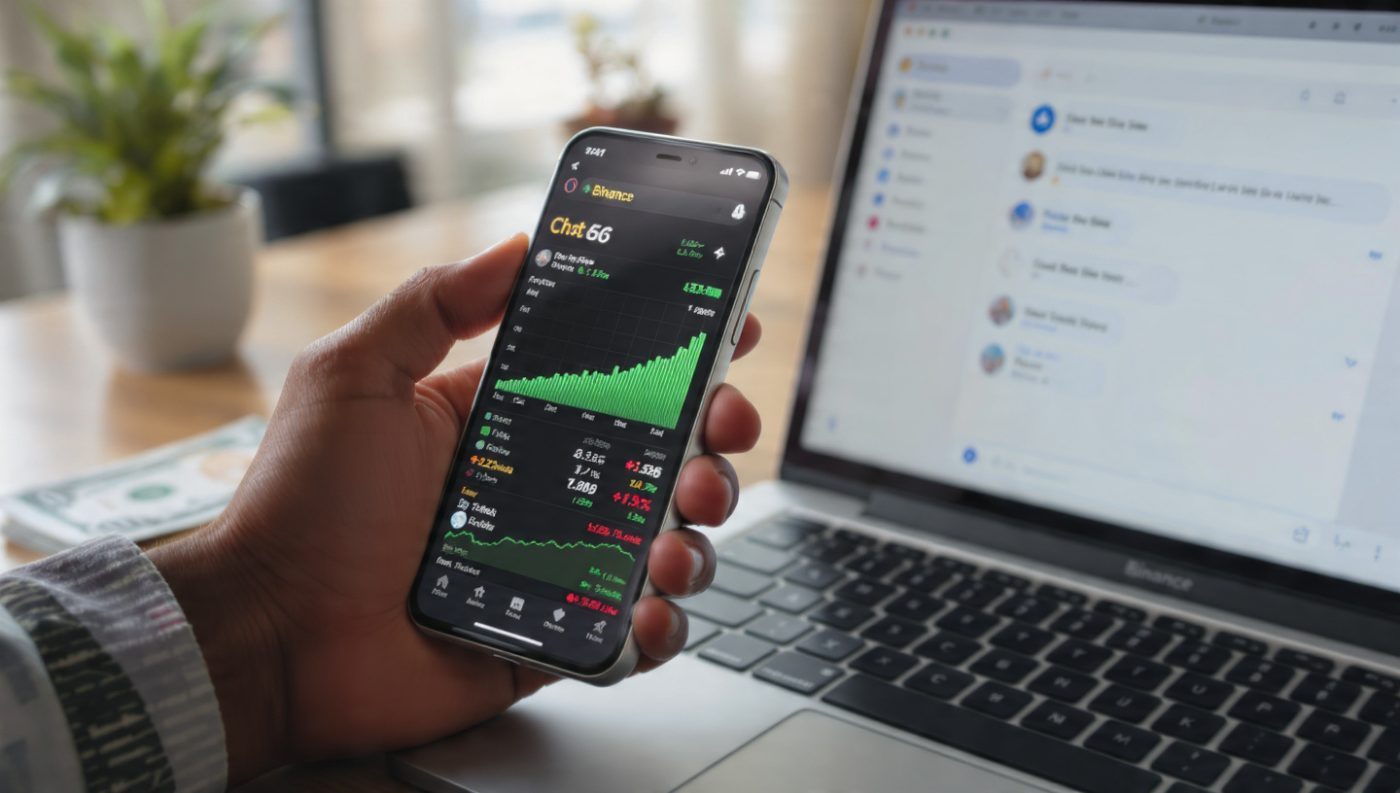
You have seen the tweets. "Just made 200% on Solana." "Bought Bitcoin at $60k, sold at $100k." Your timeline is full of people making money while you watch.
But here is what nobody tells you: You do not need to be a financial expert. You do not need to understand blockchain technology. You do not even need to know how to read complex charts.
You need $10. A phone. And ChatGPT.
Zambia is emerging as one of Africa's fastest-growing cryptocurrency markets. From Lusaka to Kitwe, Ndola to Livingstone, thousands of Zambians are already trading. Monthly peer-to-peer trading volumes across Africa exceed billions of dollars, and Zambia is part of this revolution. The barrier to entry has never been lower.
Here is the complete, step-by-step guide to start trading crypto with $10 — using ChatGPT as your personal trading assistant. This is not a quick overview. This is everything you need to know, from A to Z.
Important Disclaimer
This guide is for educational and informational purposes only. It does not constitute financial advice, investment advice, or trading recommendations. Cryptocurrency trading carries significant risk, and you should never invest more than you can afford to lose. Past performance does not guarantee future results. Always do your own research and consider consulting a qualified financial advisor before making any investment decisions. The author and VectricEarn are not responsible for any financial losses you may incur.
The Overwhelm Is Real
Every Zambian beginner faces the same problem: information overload.
Crypto markets never close. They operate 24/7 across global time zones — New York, London, Tokyo, Sydney all trading at different hours. Traditional traders had to master both technical analysis (reading charts, indicators, patterns) and fundamental analysis (news, events, economic data) — a process that would take hours and demand a high level of expertise that most beginners lack.
With coin prices fluctuating unpredictably in response to investor sentiment, regulatory changes, or even a simple tweet from Elon Musk, your brain fuzzes out trying to decipher what matters.
The Three Fears Every Beginner Faces:
Fear 1: "I don't know what to buy." There are over 10,000 cryptocurrencies. Bitcoin, Ethereum, Solana, Cardano, Dogecoin — how do you choose?
Fear 2: "I don't know when to buy." Do you buy now? Wait for a dip? What if it goes up and you miss out? What if it goes down and you lose money?
Fear 3: "I don't know when to sell." Do you take profits at 10%? 20%? What if it keeps going up? What if it crashes?
This is where ChatGPT changes everything.
Rather than predicting the future, ChatGPT's real power lies in its capacity to analyze vast amounts of historical data and real-time market sentiment to enhance your trading decisions. It transforms crypto analysis from reactive decision-making to proactive strategy.
Think of ChatGPT as your 24/7 trading mentor. It never sleeps. It never gets emotional. It can process information from thousands of sources in seconds. And it is free.
Step 1: Set Up Your Trading Foundation
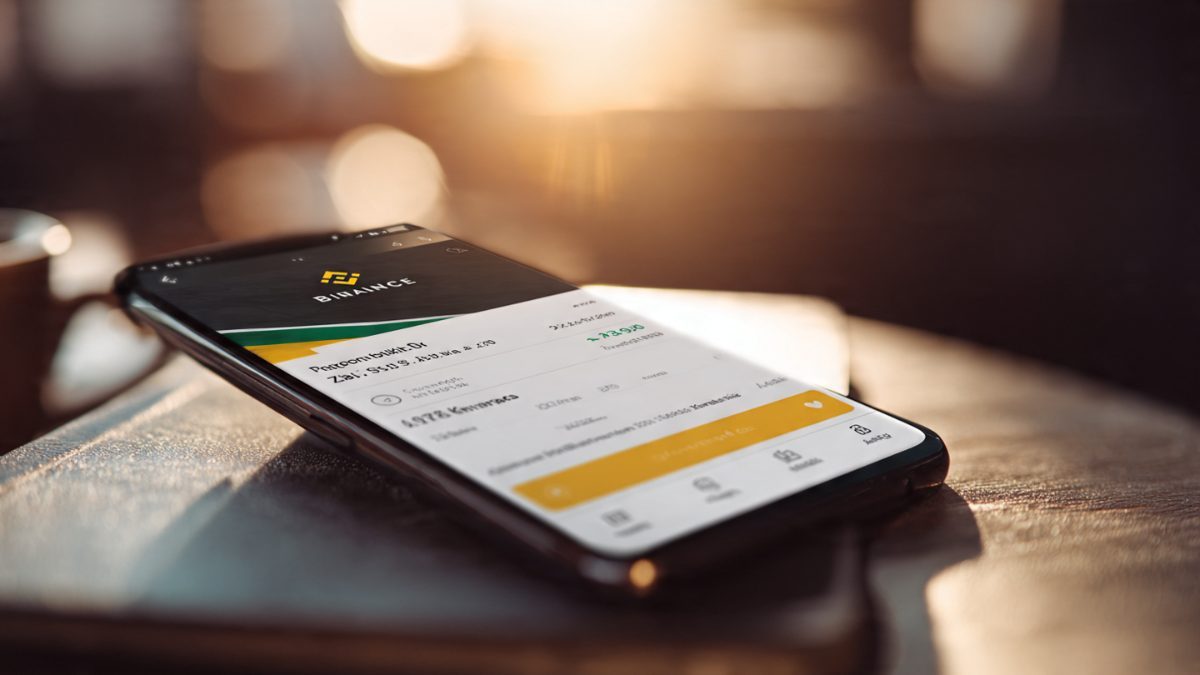
Before you can use ChatGPT for trading, you need a crypto exchange account. Here is exactly how to do it.
Action 1: Choose the Right Exchange (That Works in Zambia)
Not all crypto platforms work in Zambia. Some are blocked. Some do not support local payment methods. Some have high fees.
Binance — The Best Option for Zambia
Binance is the world's largest crypto exchange. It works in Zambia and supports local payment methods.
Step-by-Step Binance Setup:
Download the App: Go to the Google Play Store or Apple App Store. Search for "Binance." Download and install.
Create an Account:
Open the app. Tap "Register."
Enter your email address or phone number.
Create a strong password (at least 8 characters with letters, numbers, and symbols).
Enter the verification code sent to your email or phone.
Tap "Confirm."
Complete Identity Verification:
Tap on "User Center" (bottom right).
Tap on "Verify."
Select your country (Zambia).
Select the type of ID you have (National ID, Passport, or Driver's License).
Take a clear photo of your ID.
Take a selfie for facial verification.
Wait for approval (usually takes a few minutes to an hour).
Enable Two-Factor Authentication (2FA):
Go to "Security" in Settings.
Enable Google Authenticator or SMS verification.
This adds an extra layer of security to your account.
Pro Tip: Write down your 2FA backup codes and store them somewhere safe. If you lose your phone, these codes will help you recover your account.
Action 2: Fund Your Account with $10 Using Kwacha
Now you need to get your $10 into the exchange. Here is exactly how.
Step-by-Step: Buying USDT on Binance P2P
USDT (Tether) is a stablecoin always worth $1.00. It gives you a stable base to learn from.
Open the Binance app. Tap on "P2P" (Peer-to-Peer) at the bottom of the screen.
Tap "Buy." Select "USDT" as the cryptocurrency you want to buy.
Enter the amount. Type in the amount in Zambian Kwacha (ZMW) equivalent to $10. Binance will automatically convert this to USDT.
Choose a seller. You will see a list of sellers with different exchange rates and payment methods.
Look for: High completion rate (above 95%), good reputation (many positive reviews), fast response time, and payment method that works for you.
Select your payment method. Choose from: MTN MoMo, Airtel Money, Zanaco Bank transfer, Standard Chartered Zambia, or ABSA Bank Zambia.
Make the payment. Contact the seller via the in-app chat. Send the exact amount of kwacha to their mobile money or bank account. Follow their instructions carefully.
Confirm payment. Once you have sent the money, return to the Binance app. Tap "Confirm Payment." The seller will release the USDT to your Binance wallet.
Check your balance. Go to "Wallet" > "Spot Wallet." You should see USDT in your account.
What If Something Goes Wrong?
If the seller does not release the USDT within 15 minutes, click "Appeal." Binance support will review the transaction and resolve the dispute.
Always communicate within the Binance app. Do not share personal contact details until the transaction is complete.
Take screenshots of everything. This is your evidence if you need to appeal.
Important Note About P2P "Holding" Periods:
One thing that surprises many beginners: after you buy crypto via P2P, your assets may not be immediately available for withdrawal. Binance and other exchanges implement security holds — commonly referred to as "T+1" or "T+2" holds — on assets purchased through P2P.
T+1 means you cannot withdraw the crypto for 24 hours after purchase.
T+2 means you cannot withdraw it for 48 hours.
Why does this happen? This is a security measure to prevent fraud and money laundering.
What you CAN do: You CAN still trade the crypto (buy/sell) within the exchange. You CAN convert it to other cryptocurrencies. You CANNOT withdraw it to an external wallet or bank account.
Action 3: Set Up ChatGPT
Go to chat.openai.com or download the ChatGPT app.
Create an account using your email or Google account.
Start a new conversation.
You are ready to go.
Pro Tip: Use the ChatGPT mobile app for easy access while trading. It is available on both Android and iOS.
Step 2: How ChatGPT Works for Trading
Before we dive into prompts, understand what ChatGPT can and cannot do.
What ChatGPT Can Do:
Analyze historical price data and patterns
Interpret market news and sentiment
Explain technical indicators in simple terms
Suggest entry and exit points
Create risk management strategies
Simulate trading scenarios for learning
Compare different cryptocurrencies
What ChatGPT Cannot Do:
Execute trades automatically (you need to do this manually on Binance)
Predict the future with certainty
Access your Binance account
Guarantee profits
Understanding ChatGPT's Knowledge Limitations:
ChatGPT has a knowledge cutoff, meaning it does not know events after its last training date. To get real-time information, use the ChatGPT web search feature (available in ChatGPT Plus) or manually provide it with recent news.
ChatGPT does not have direct access to current crypto prices unless you use a plugin or enable web search. You will need to provide price information or use a trading platform's data.
ChatGPT cannot analyze your specific portfolio unless you tell it exactly what you hold.
Pro Tip: Always frame your questions clearly. The more specific you are, the better ChatGPT's response will be.
Step 3: Copy-and-Paste Trading Prompts for ChatGPT
Here are detailed prompts you can copy and paste directly into ChatGPT.
Prompt 1: Market Sentiment Analysis
"Analyze the current sentiment around Bitcoin and Ethereum. I want to understand what the market is feeling right now. Please include: 1. Recent news events affecting these coins, 2. Social media trends, 3. Whale movements, 4. Regulatory news, 5. A summary conclusion and a simple recommendation for a beginner with $10. Be clear and use simple language. I am a complete beginner based in Zambia and have no technical background."
Prompt 2: Pattern Recognition
"I am looking at a Bitcoin chart. The price has been moving sideways for 3 days with no clear direction. The trading volume is also low. What does this pattern typically indicate? Questions I have: Should I wait for a breakout? Should I buy now? What is the typical price movement after sideways consolidation? How long do consolidations usually last? What signals should I look for to know when it will break out? Be simple, clear, and give me an actionable recommendation for my $10."
Prompt 3: Risk Assessment and Position Sizing
"I have $10 in USDT on Binance. I want to buy Bitcoin at the current price. Please help me with risk management: 1. What is the maximum percentage of my $10 I should risk on this single trade? 2. What would be a realistic stop-loss percentage? 3. If I use a stop-loss, how much am I potentially losing in dollars? 4. Should I use a market order or a limit order? 5. Walk me through the exact steps to place this order on Binance. Explain like I am a complete beginner with no prior trading experience."
Prompt 4: Strategy Development (Full 30-Day Plan)
"Create a complete 30-day crypto trading strategy for a beginner with $10. Include: Day-by-day breakdown of what to do (Day 1 through Day 30), Entry signals, Exit rules, Stop-loss settings, Take-profit logic, Risk management rules, Learning objectives. Keep it realistic for someone with limited time (1 hour per day)."
Prompt 5: Portfolio Check
"I currently own $5 in Bitcoin (BTC/USDT) and $5 in Ethereum (ETH/USDT). My portfolio is down 5% today compared to yesterday. Questions: 1. What caused this drop? 2. Should I hold or sell? Give me a clear recommendation with reasoning. 3. If I hold, what are the potential upsides and downsides? 4. Is there anything I should do differently with my portfolio? 5. How should I adjust my strategy for the next few days? I am a beginner based in Zambia with limited trading experience."
Prompt 6: Technical Analysis (Moving Averages)
"Explain moving averages (MA) to me like I am a beginner. I want to use them for trading. Specifically: What is the 50-day and 200-day moving average? What is a 'golden cross' and 'death cross'? How can I use moving averages to decide when to buy and sell Bitcoin? Are they more reliable for short-term or long-term? Give me a simple strategy using moving averages for my $10."
Prompt 7: Trading Psychology
"I made my first trade yesterday. I bought $5 of Bitcoin at $60,000. The price went up to $61,200 (a 2% gain) and I got excited. But I didn't sell. Now it's down to $59,500 and I'm feeling anxious and regretful. Questions: 1. Is it normal to feel this way? 2. What should I do now — sell, hold, or buy more? 3. How do I manage my emotions? 4. What is FOMO and FUD and how do I handle them? 5. What strategies can I use to stay disciplined? Be honest and practical."
Prompt 8: Market Comparison
"Compare Bitcoin, Ethereum, Solana, and Cardano for a beginner with $10. For each, tell me: 1. What it does, 2. How it has performed over the last year, 3. Risks, 4. Potential upsides, 5. Is it good for a beginner? 6. How much of my $10 should I allocate to each? Give me a clear recommendation."
Prompt 9: Chart Reading Made Simple
"Teach me the 5 most important things I should look at when reading a crypto chart. For each: What is it, why it matters, how to interpret it, where to find it on Binance, and give me a real example with current Bitcoin data. Be simple and practical."
Prompt 10: Emergency Scenario
"I just bought Bitcoin at $60,000. The price suddenly drops 10% to $54,000 in one hour. I am panicking. Questions: 1. Why did this happen? 2. What should I do right now? 3. Should I sell or buy more to average down? 4. What is the historical average recovery time for a 10% drop? 5. How can I prevent this panic in the future? 6. What could I have done differently? Walk me through this step-by-step."
Step 4: Advanced ChatGPT Trading Strategies
Strategy 1: 30-Day Price Scenarios
Ask ChatGPT to develop a bullish, bearish, and neutral scenario for a specific coin.
Strategy 2: Historical Comparisons
Ask ChatGPT to compare current market conditions to previous cycles (Bull market, bear market, or consolidation).
Strategy 3: Risk Checks
Ask ChatGPT to review your portfolio risk (e.g., correlation, maximum potential loss, and diversification).
Strategy 4: Simulated Trading
Ask ChatGPT to walk you through a "what-if" scenario, such as a price drop, to test your decision-making without real money.
Strategy 5: The $10 Challenge
Set clear rules (risk limits, stop-loss, take-profit) and ask ChatGPT to draft a 30-day trading plan as your "tuition" for learning the market.
Step 5: Making Your First Real Trade
Before You Trade Checklist:
Do you have $10 in USDT in your Binance wallet?
Have you tested your internet connection?
Do you have ChatGPT open and ready?
Have you asked ChatGPT for a recommendation?
Action 1: Ask ChatGPT for a Recommendation
Copy and paste: "I have $10 in USDT on Binance. I am a complete beginner in Zambia. What should I buy today and why? Give me a simple, low-risk recommendation with: A clear buy signal, a stop-loss level, a take-profit level, reasoning, what to watch for in the next 24 hours, and a risk percentage."
Action 2: Execute the Trade Manually
Go to "Markets" in Binance.
Search for "BTC/USDT."
Tap "Buy."
Select "Limit Order."
Enter the price and amount ($10).
Set "Stop-Limit" (Stop price and limit price).
Set the take-profit price.
Tap "Buy BTC."
Action 3: Monitor Your Trade
Check your position in the "Open Orders" section.
Action 4: Ask ChatGPT to Analyze Your Trade
After 24 hours, ask: "I bought $10 of Bitcoin at [price] yesterday with a stop-loss at [price] and take-profit at [price]. It is now at [price]. Analyze my trade: How is it performing? Should I adjust? What should I do next?"
Step 6: Risk Management Rules You Must Follow
Never Invest More Than You Can Afford to Lose: Your $10 is your tuition.
Never Invest All Your Money at Once: Dollar-cost average (DCA) into your positions.
Diversify: Do not put all $10 into one asset. Split it.
Always Use Stop-Loss Orders: This prevents total loss.
Take Profits: When you hit 15-20% gains, sell a portion to lock in value.
Keep a Trading Journal: Record everything in a notebook or document.
Set Realistic Goals: Focus on learning, not instant wealth.
Never FOMO: If a coin is up 50%, do not chase it; wait for a pullback.
Never Trade with Emotion: Write down feelings to recognize patterns.
Learn Continuously: Spend 1 hour a week on research.
Step 7: ChatGPT Pitfalls and How to Avoid Them
Pitfall 1: Outdated Information. Use ChatGPT for strategy; use Binance or real-time news for price data.
Pitfall 2: Over-Reliance. Always use your own judgment.
Pitfall 3: Vague Questions. Be specific with your budget and risk.
Pitfall 4: Too Much Information. Ask for bite-sized, summarized answers.
Pitfall 5: Ignoring Follow-Up Questions. If you do not understand a term, ask ChatGPT to explain it in simpler terms.
Step 8: African Context, Regulations & Hard Truth
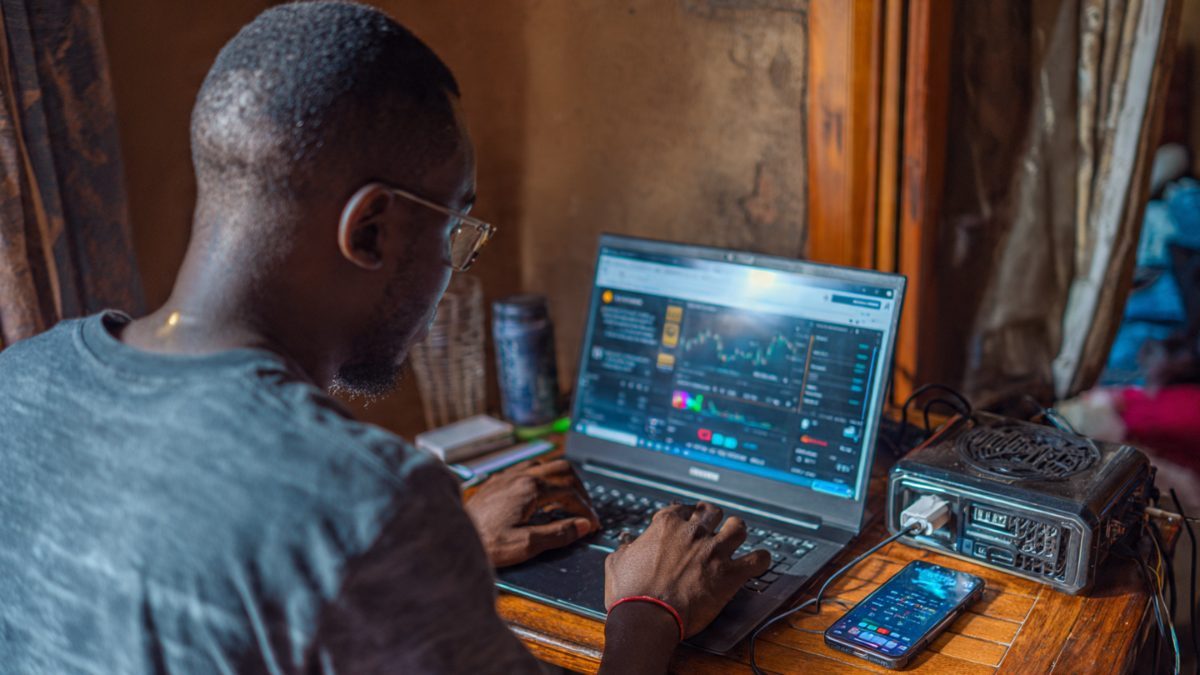
African Context Tips (Zambia):
Mobile Money: MTN MoMo and Airtel Money are your gateways. Ensure your balance covers the trade plus fees.
Data: Treat data as a business expense. Use 4G bundles.
Power: Always have a backup (power bank/generator).
Internet: Use speedtest.net to ensure stability (10Mbps+).
Security: Always use 2FA on Binance and never share your recovery phrases.
Community: Join local Zambian WhatsApp/Telegram groups to stay updated.
Regulatory and Tax Awareness (2026 Update):
Registration: The Bank of Zambia now requires Virtual Asset Service Providers (VASPs) to register.
Legal Status: Crypto is not legal tender in Zambia. P2P is the primary legal method for trading.
Taxation: While crypto gains are currently not taxed, legislation for an 8% flat tax is pending in 2026. Keep strict records in your journal to be prepared.
Hard Truth:
You will not make millions in your first week. Your $10 might become $9.50 or $12. The goal is to build a skill. Trading is not a get-rich-quick scheme; it is a discipline.
Step 9: The 30-Day Action Plan
Week 1 (Foundation): Set up Binance, ChatGPT, 2FA, learn P2P, buy your first $10 in USDT, and pick your first coins.
Week 2 (First Trades): Execute your first trade, set stop-losses, monitor, and conduct a portfolio review.
Week 3 (Deep Dive): Learn technical indicators (Moving Averages), practice simulated trading, and refine your strategy.
Week 4 (Scaling): Take partial profits, add small amounts if confident, diversify, and plan for Month 2.
Conclusion

You now have everything you need. No more excuses.
Your one action for today:
Go to binance.com.
Create an account and verify it.
Open ChatGPT.
Copy: "I am a complete beginner in Zambia with $10. I want to start trading crypto. Give me a simple, step-by-step plan for my first 7 days. Be specific and actionable."
Your $10 is waiting. Your first trade is waiting. Your financial future is waiting. Go get it.
Download ChatGPT: chat.openai.com
Download Binance: Google Play Store or Apple App Store